Cloudflare is often seen as just another technical service connected to a domain, DNS records, or hosting. However, for modern eCommerce websites, Cloudflare can play a much more important role. It sits between visitors and the server hosting the website. A large share of the traffic may pass through it, while its configuration can directly affect the website’s availability, security, speed, and stability.
That is why an agency responsible for the technical maintenance of an eCommerce website should have the appropriate level of access to the client’s Cloudflare account. Not to take ownership of the account, but to fulfil the responsibilities it has been entrusted with.
Cloudflare is no longer just a DNS service
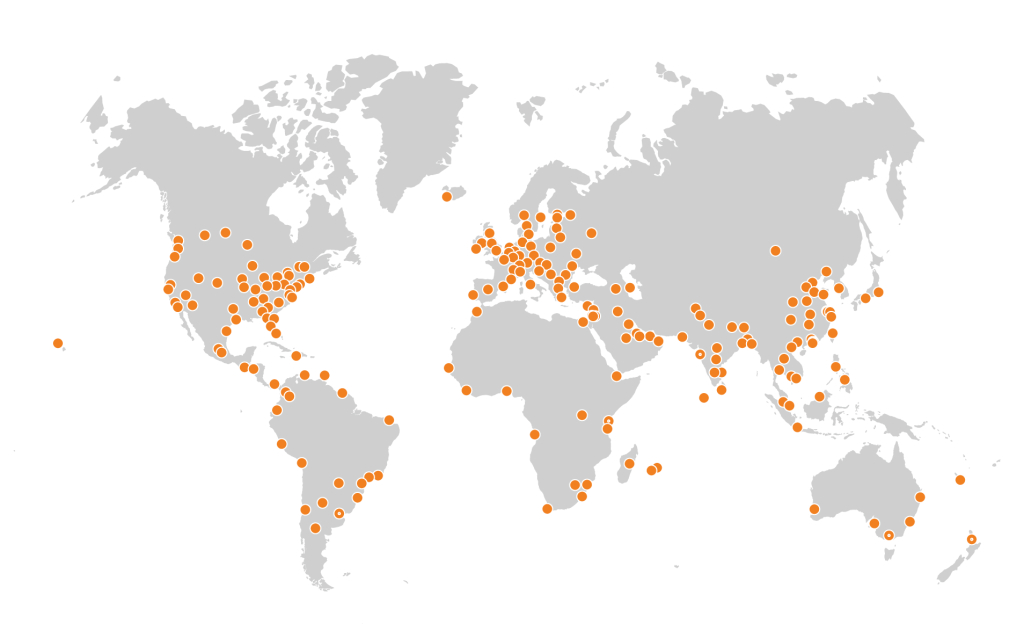
Cloudflare can perform several critical functions, including:
- DNS management
- DDoS protection
- suspicious traffic filtering
- malicious bot blocking
- Web Application Firewall configuration
- rate limiting
- content caching
- traffic and security event analysis
- traffic routing to the origin server
Cloudflare’s DDoS protection automatically detects and mitigates attacks at both the network and application layers. In addition to its automated protection, Cloudflare recommends using WAF and rate-limiting rules tailored to the behaviour of each specific web application. (developers.cloudflare.com)
In other words, Cloudflare is not simply a place where a DNS record is occasionally updated. It can be a core part of an eCommerce website’s security and operational infrastructure.
Access should be granted before an incident occurs
The worst possible time to resolve access permissions is when the website is already experiencing a problem.
Imagine a situation in which the website becomes extremely slow or unavailable due to a sudden increase in traffic. The cause could be a marketing campaign, aggressive crawling, unwanted bots, an attempted attack, or a large number of requests targeting a particularly resource-intensive part of the application. The development and DevOps teams may be able to analyse the server, application, and database. However, without access to Cloudflare, they may be unable to:
- identify the structure and source of the traffic
- temporarily block problematic IP addresses or countries
- introduce rate-limiting rules
- adjust WAF protection
- enable additional bot protection
- change caching behaviour
- check whether an existing rule is blocking legitimate users
- quickly redirect or restrict traffic
Cloudflare uses signals such as HTTP headers, request paths, request methods, user agents, source IP addresses, and request volume to identify suspicious patterns and different types of attacks. An agency without access to this information can see only part of the problem, usually the consequences reaching the server. (developers.cloudflare.com)
This can leave the team responsible for the website’s availability in a position where they know that a problem exists, but cannot access the system through which it could be mitigated most effectively.
Bots cannot be managed effectively at application (ecommerce platform) level alone
Automated traffic now represents a significant share of overall internet traffic. Not all bots are malicious, but some can:
- crawl the product catalogue excessively
- generate a large number of search requests
- check the availability or pricing of thousands of products
- scrape website content
- overload login, cart, or checkout functionality
- search for security vulnerabilities
- create fake accounts or login attempts
Some of this traffic can be managed within the application or at server level. However, by that point, the requests have already reached the website’s infrastructure and begun consuming its resources. Cloudflare can identify and stop suspicious traffic before it reaches the origin server. Depending on the Cloudflare plan in use, different bot-management, WAF, and automated response capabilities may be available. (developers.cloudflare.com)
This is particularly important for Magento and other complex eCommerce platforms. A single automated request to a computationally expensive page can consume significantly more server resources than serving static content from Cloudflare’s cache.
Website protection should therefore not begin only at the application layer. It should start at the edge, before unwanted traffic reaches the application.
Agency access does not mean agency ownership
The Cloudflare account and the domain should remain under the client’s ownership. The recommended approach is not to share the main account password or transfer ownership of the account to the agency. Cloudflare allows individual members to be added and access to be granted through different roles and permission scopes. Access can be limited to a specific domain and only to the functionality the agency requires.
Depending on the agreed support scope, the agency may require permission to:
- review analytics and security events
- manage DNS records
- configure WAF and firewall rules
- manage caching settings
- manage bot protection and traffic restrictions
Full administrative access to the entire account is often unnecessary. This approach allows the client to retain ownership and control while giving the agency sufficient access to perform its work effectively.
Changes must be traceable
It is understandable that clients may be cautious when granting access to infrastructure-related systems. For this reason, separate user accounts, appropriate permissions, and multi-factor authentication should be used. Multiple people should not share the same login credentials. Cloudflare audit logs record user activity and configuration changes. They make it possible to see who made a change, when it was made, and which resource was affected. This improves transparency, simplifies incident investigations, and provides a clearer division of responsibility.
A sound access model should therefore include:
- A Cloudflare account owned by the client.
- A separate user account for each authorised individual or partner organisation.
- Only the permissions required for the agreed scope of work.
- Mandatory multi-factor authentication.
- Periodic reviews of active users and assigned permissions.
- Removal of access once the partnership ends.
Full responsibility requires the necessary access
A client may decide not to give its agency access to Cloudflare. However, the consequences of that decision should be clear. The agency may still maintain the application and server, but it cannot take full responsibility for problems whose prevention or resolution depends on Cloudflare configuration.
During an incident, the agency would need to contact someone on the client’s side, explain the required change, wait for that person to become available, and then verify whether the change was implemented correctly. During business hours, this may cause unnecessary delays. Outside business hours, at weekends, or during a major sales campaign, it can become a serious business risk.
Cloudflare access is therefore not merely a technical issue. It is a question of responsibility and the operating model between the client and the agency. When an agency is expected to:
- monitor website stability
- respond to security incidents
- investigate unusual traffic spikes
- protect the infrastructure from overload
- support major campaigns and peak sales periods
- react quickly when the website becomes unavailable
it must also be given access to the tools required to perform those tasks.
Grant access BEFORE a problem occurs
Cloudflare access should ideally be agreed at the start of a project or when an agency takes over website maintenance.
The following can then be defined in advance:
- required user roles
- permitted types of changes
- the approval process for higher-risk changes
- incident-response procedures
- contact people on the client and agency sides
- the process for recording implemented changes
The goal is to ensure that the people expected to protect the website and maintain its stability have timely access to the systems on which that stability depends. When a surge in bot traffic, an attack, or an unexpected traffic spike threatens the website, it is not enough to ask:
“Who could have prevented this?”
The better approach is to make sure in advance that the people capable of preventing it have access to the tools they need.